Provider Admin Flow
The key role of a Provider Admin is to publish an App to MarketPlace
Note: Provider Admin can also perform functionalities such as Register, Edit, Configure, Deploy, Delete apps (Please refer to Developer page for details)
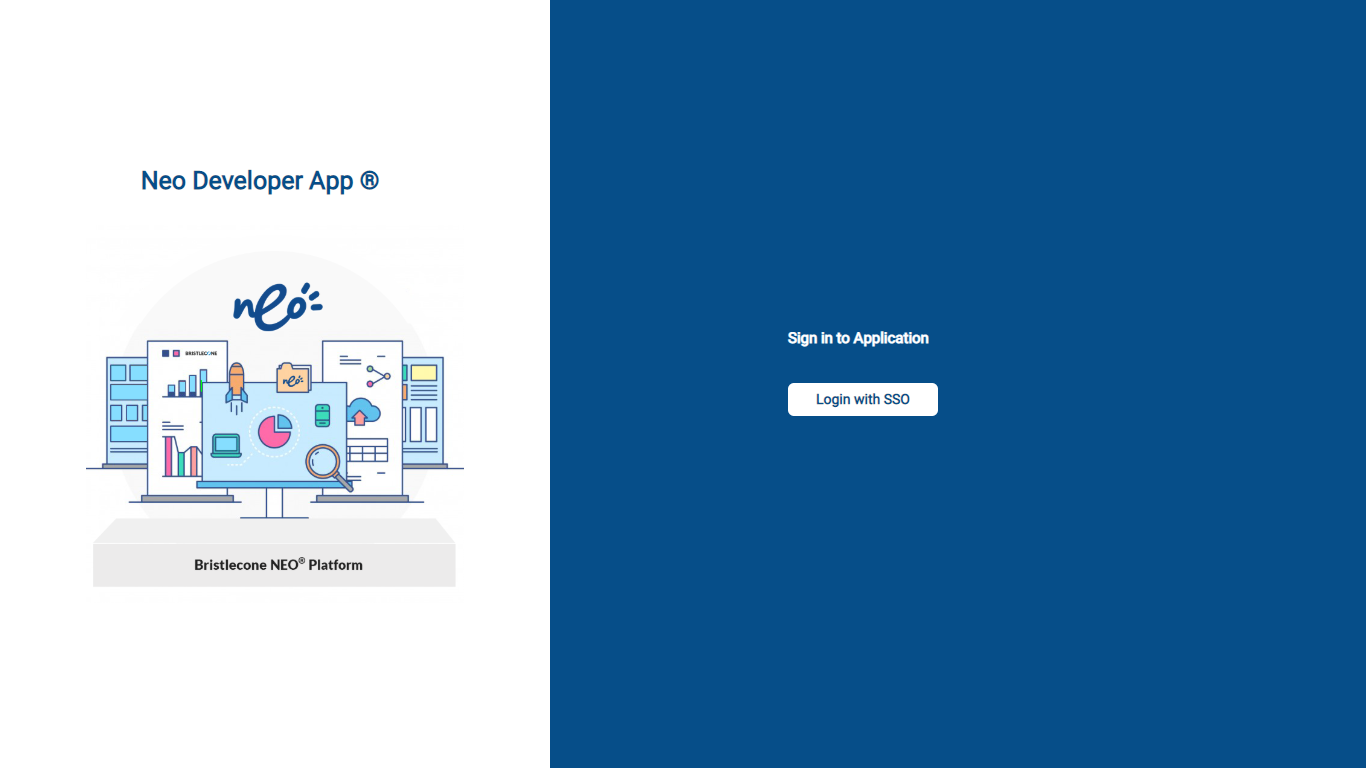
1.Login to NEO Developer APP Using SSO
Use SSO ( Single Sign On ) to login to the NEO Developer App
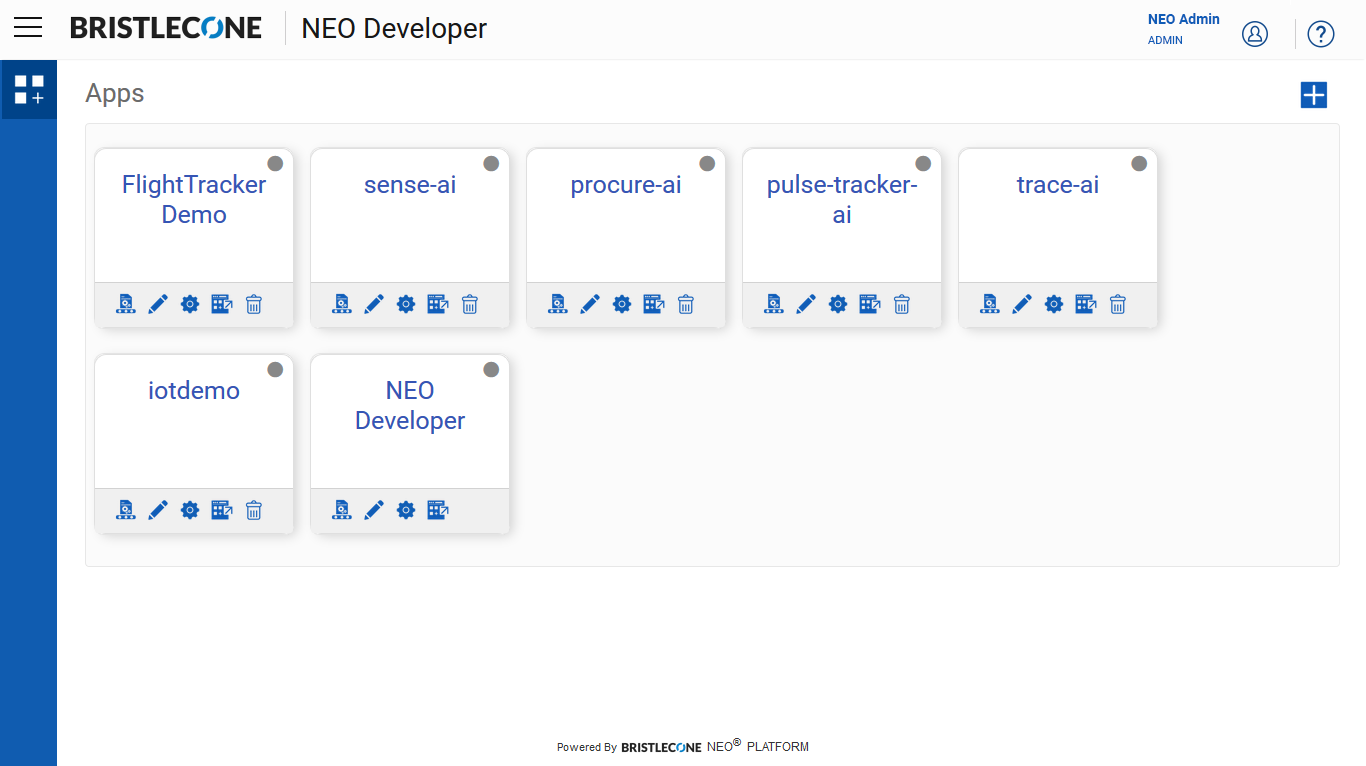
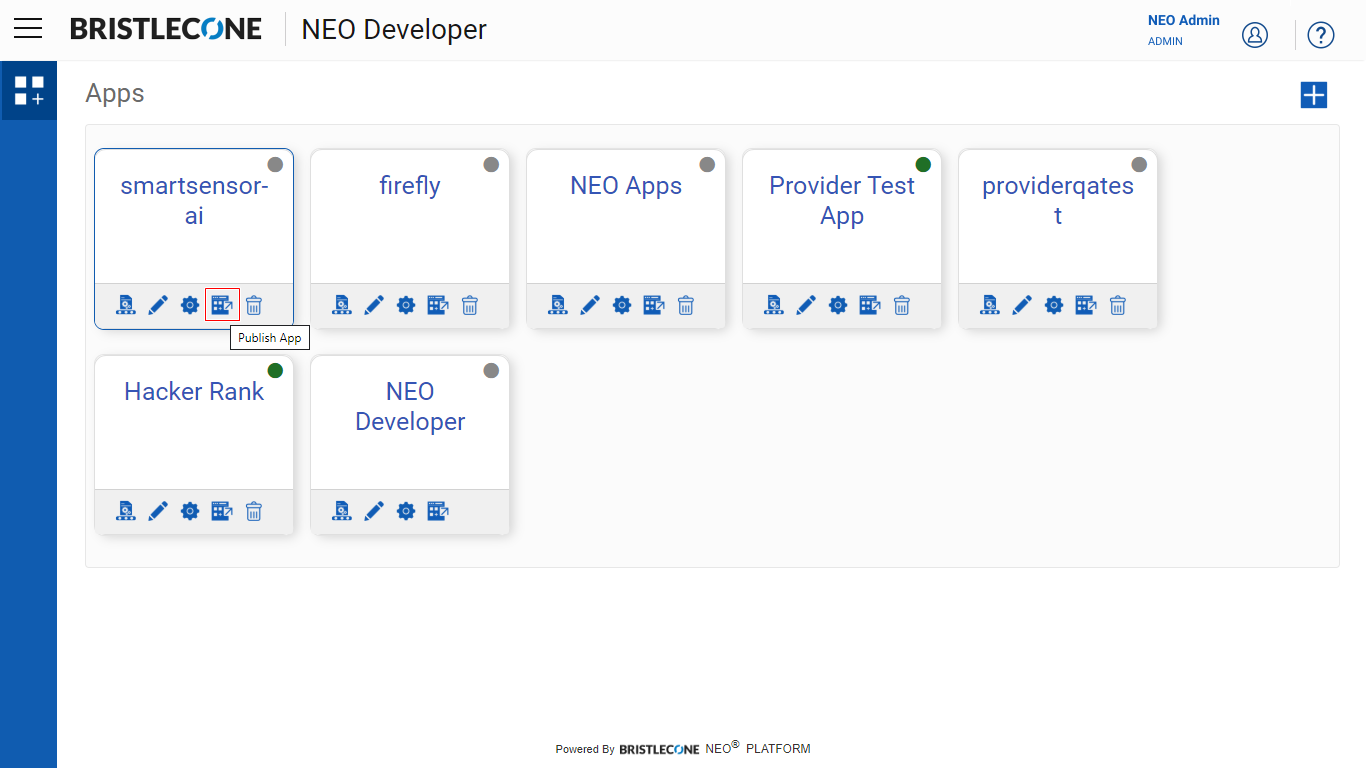
Post login , Provider Admin will be able to see the Apps Dashboard as shown below
Publish App
Click on the Publish as shown below
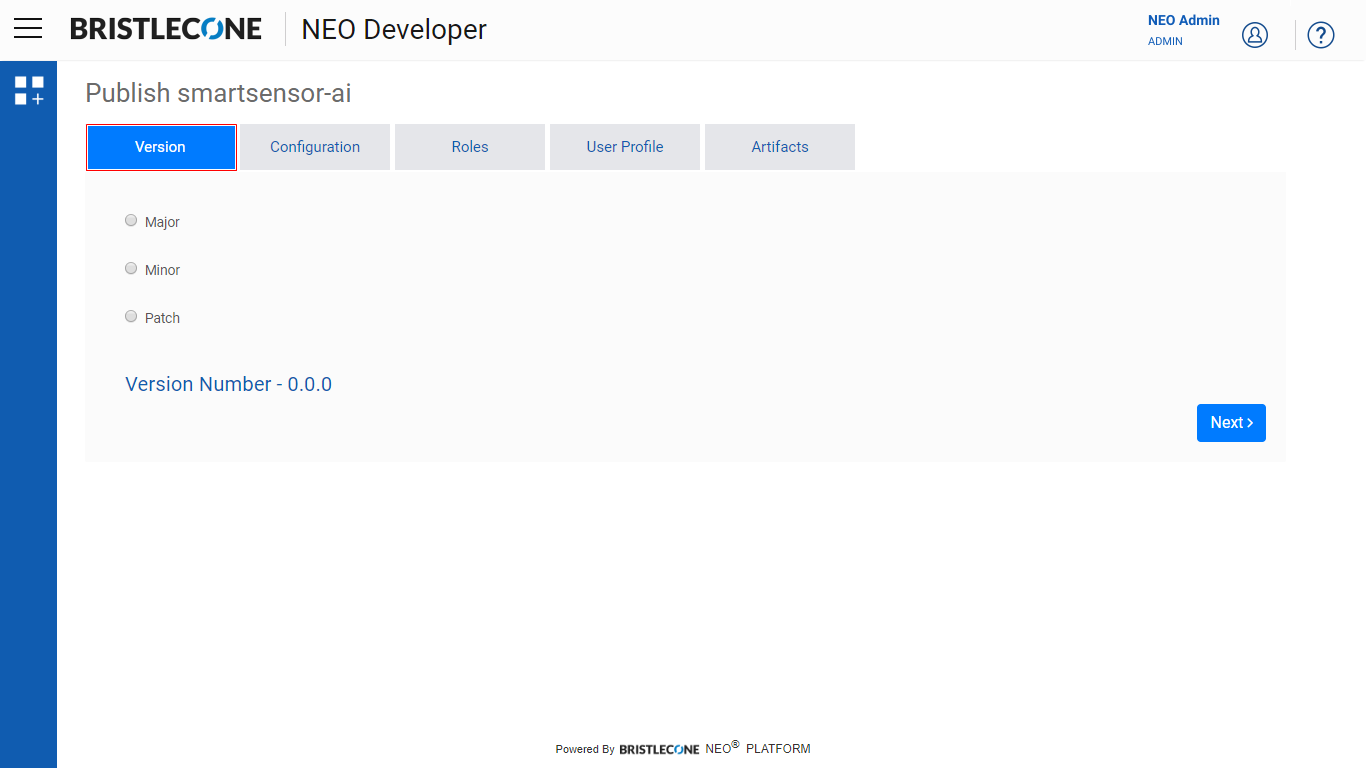
Click on Version Tab as shown below
Provider Admin can Select the type of release
Major Release: An example of a sample App having a Major Release is as shown below
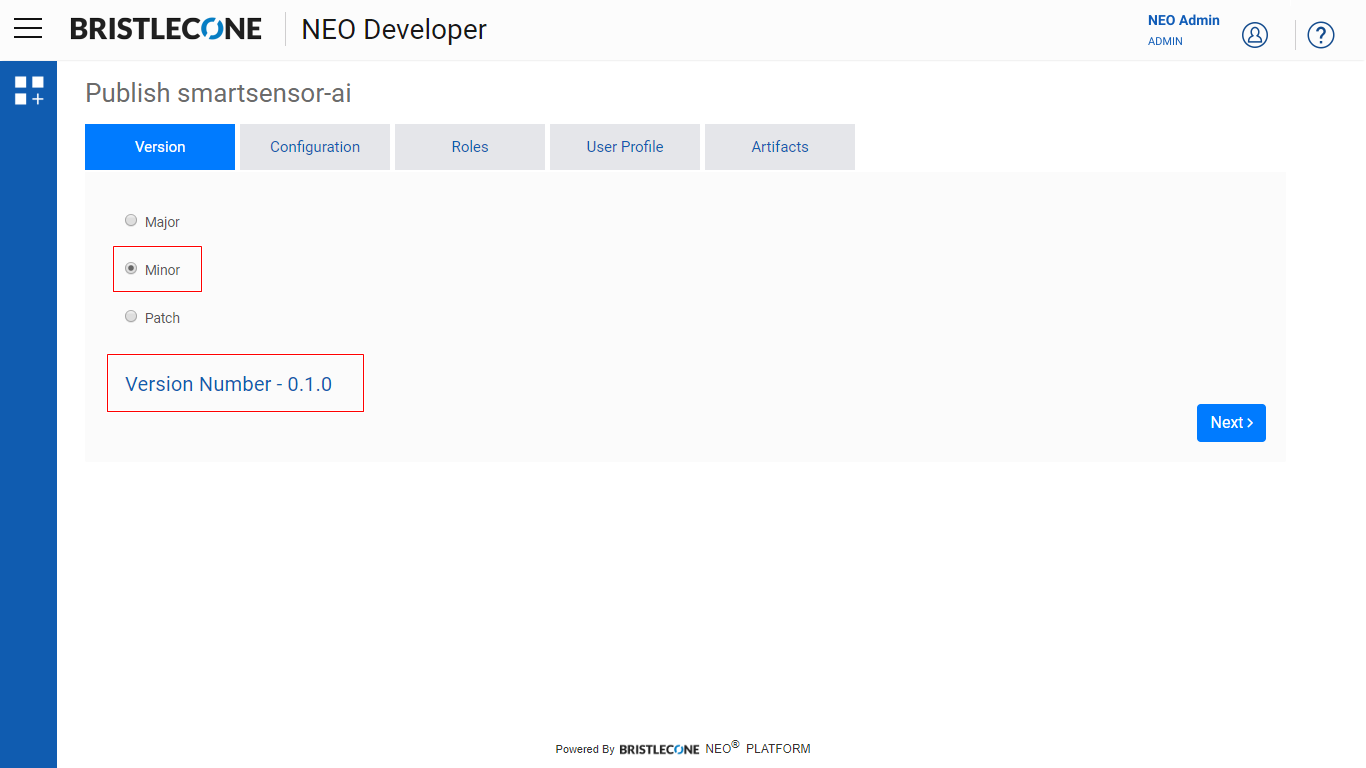
Minor: An example of a sample App having a Minor Release is as shown below
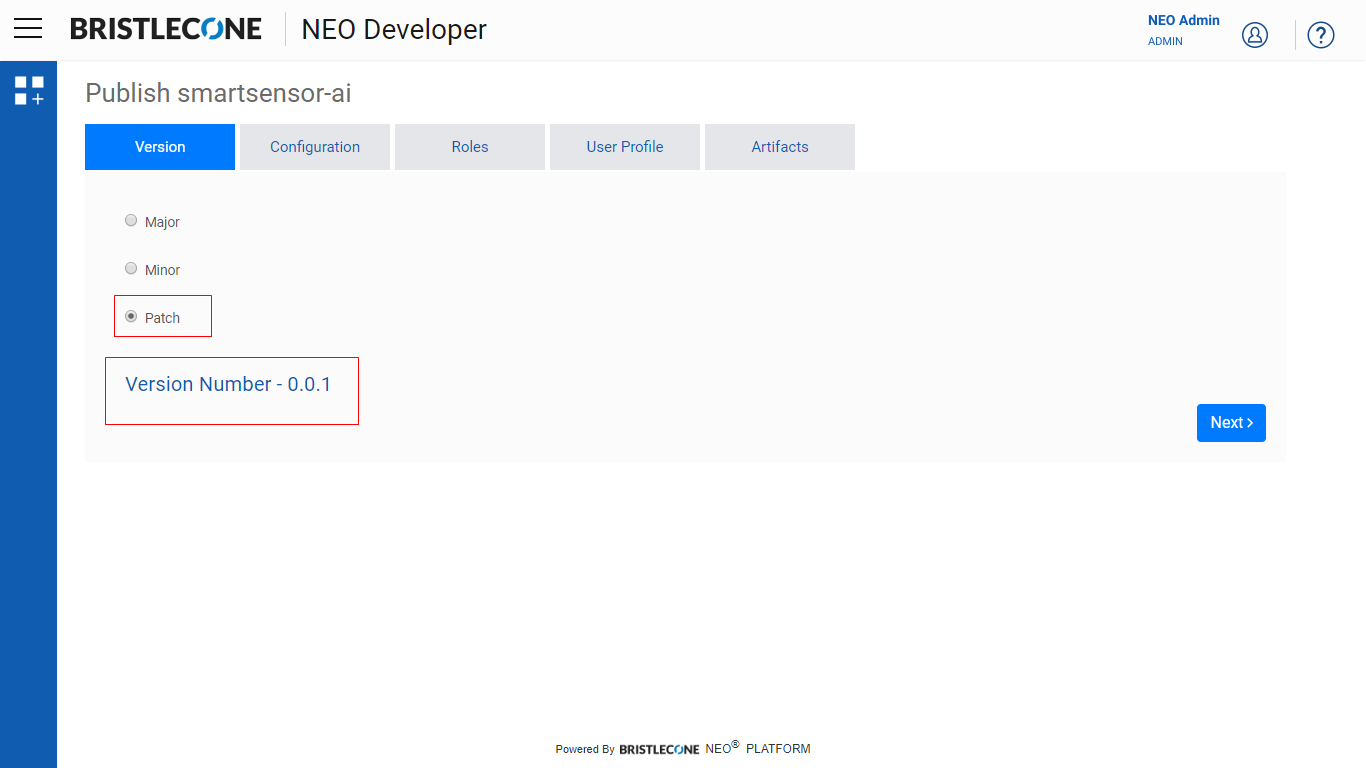
Patch: An example of a sample App having a Patch Release is as shown below
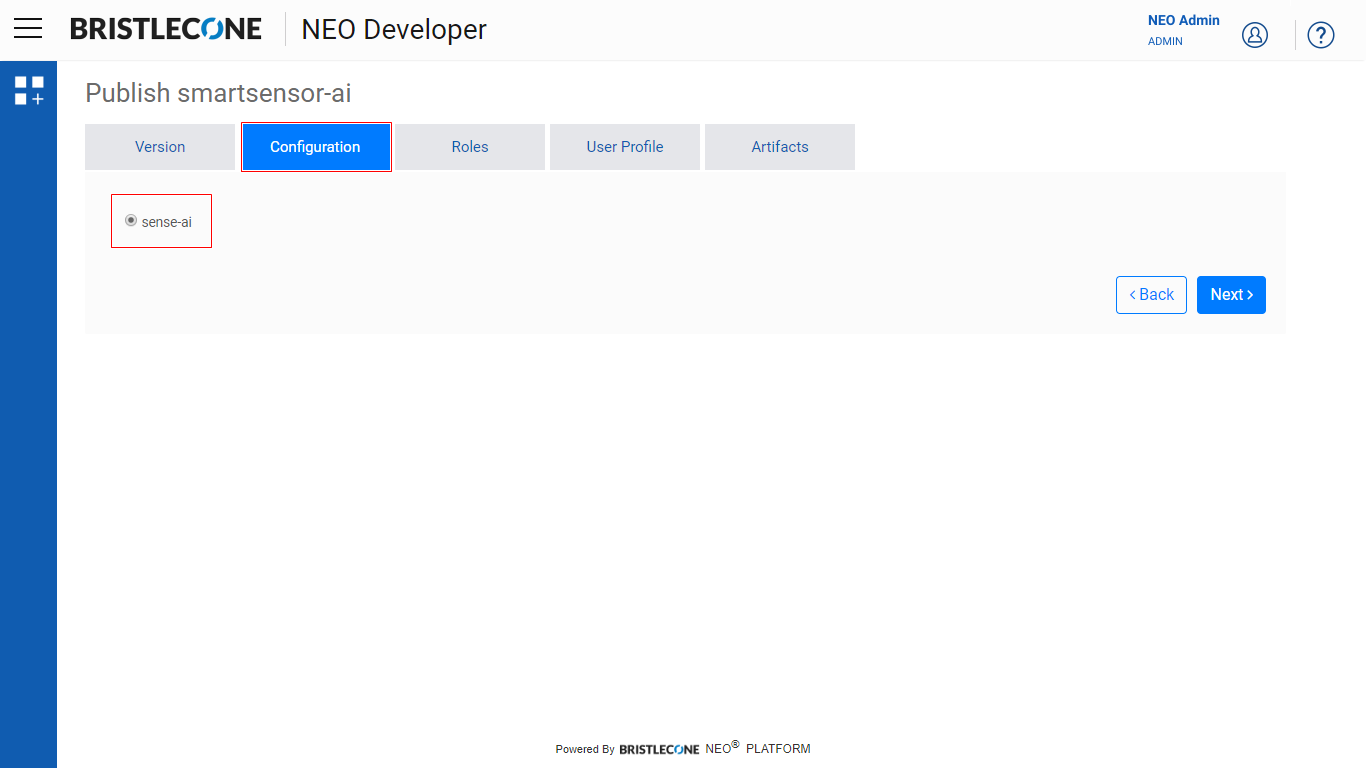
Configuration
Provider Admin has to choose the App configuration as shown below
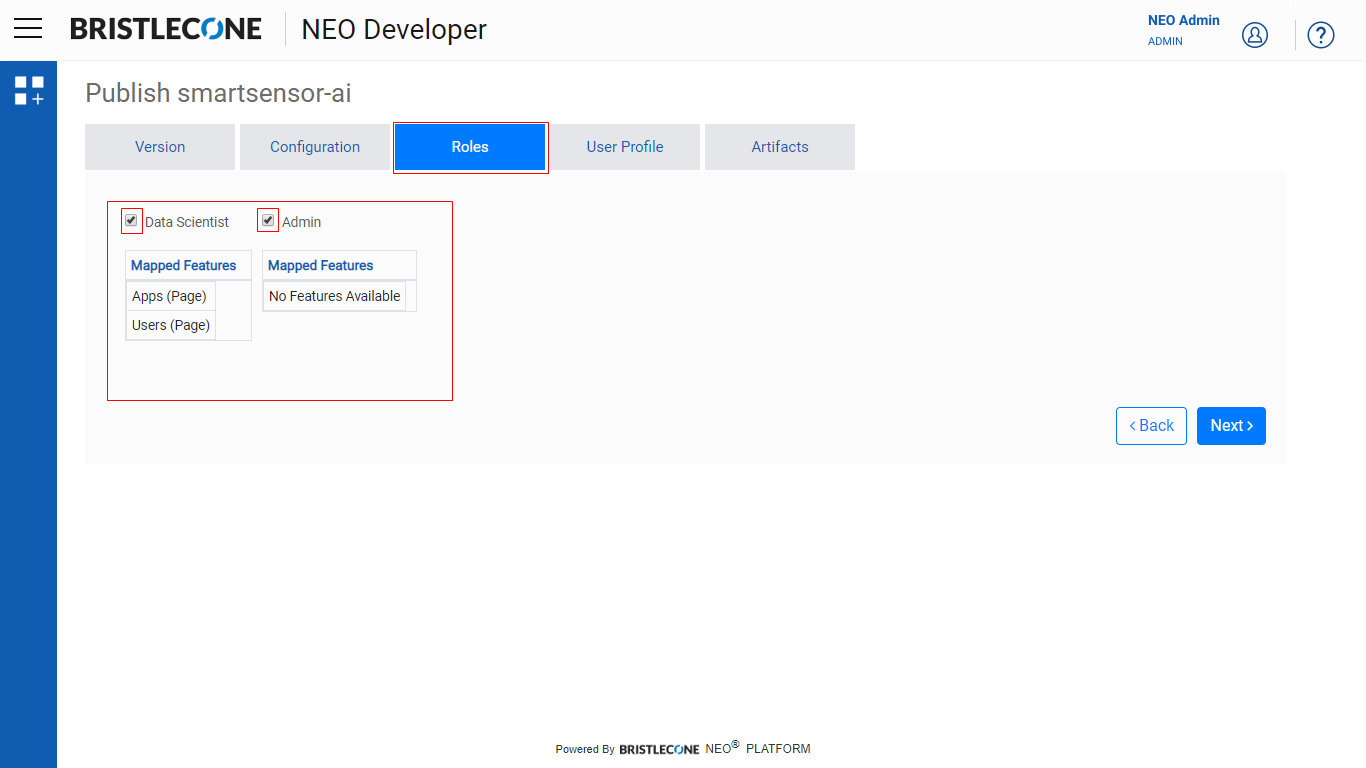
Select Roles
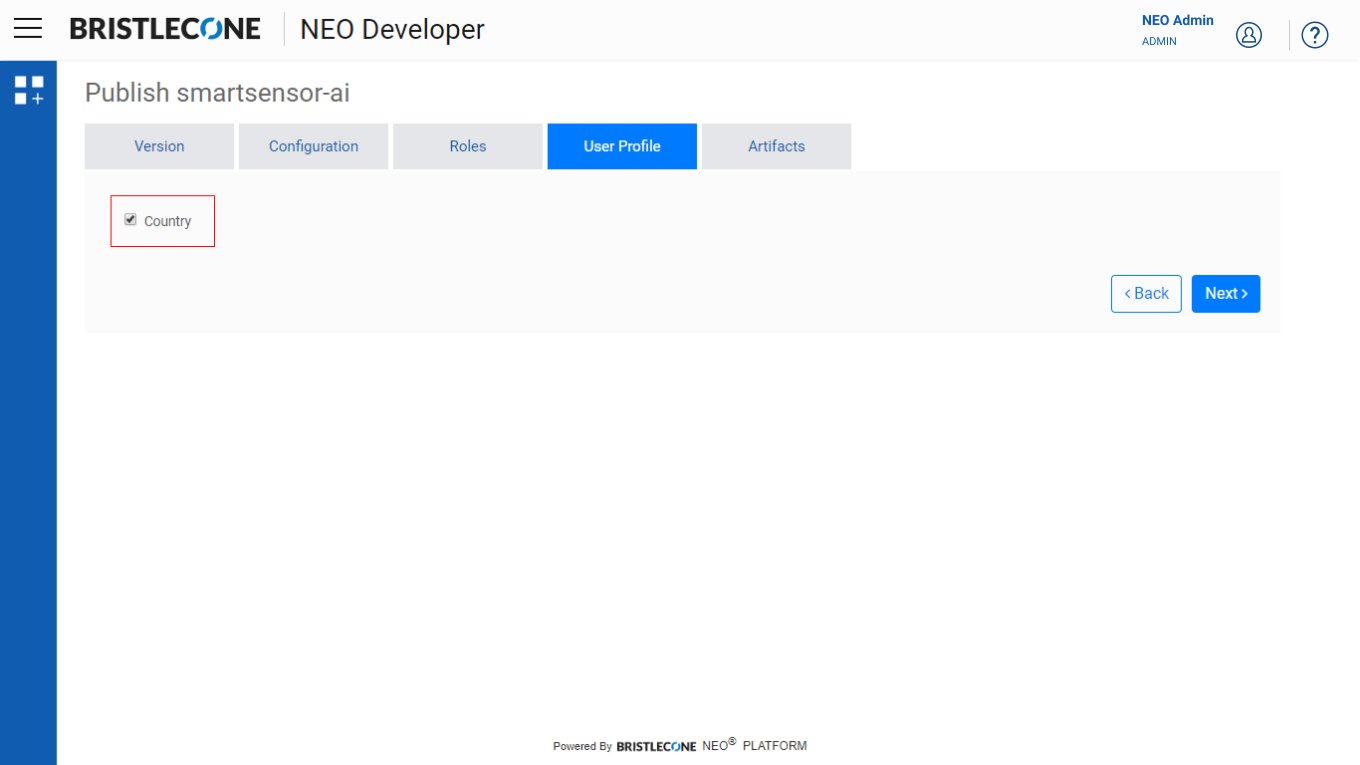
Select User Profile
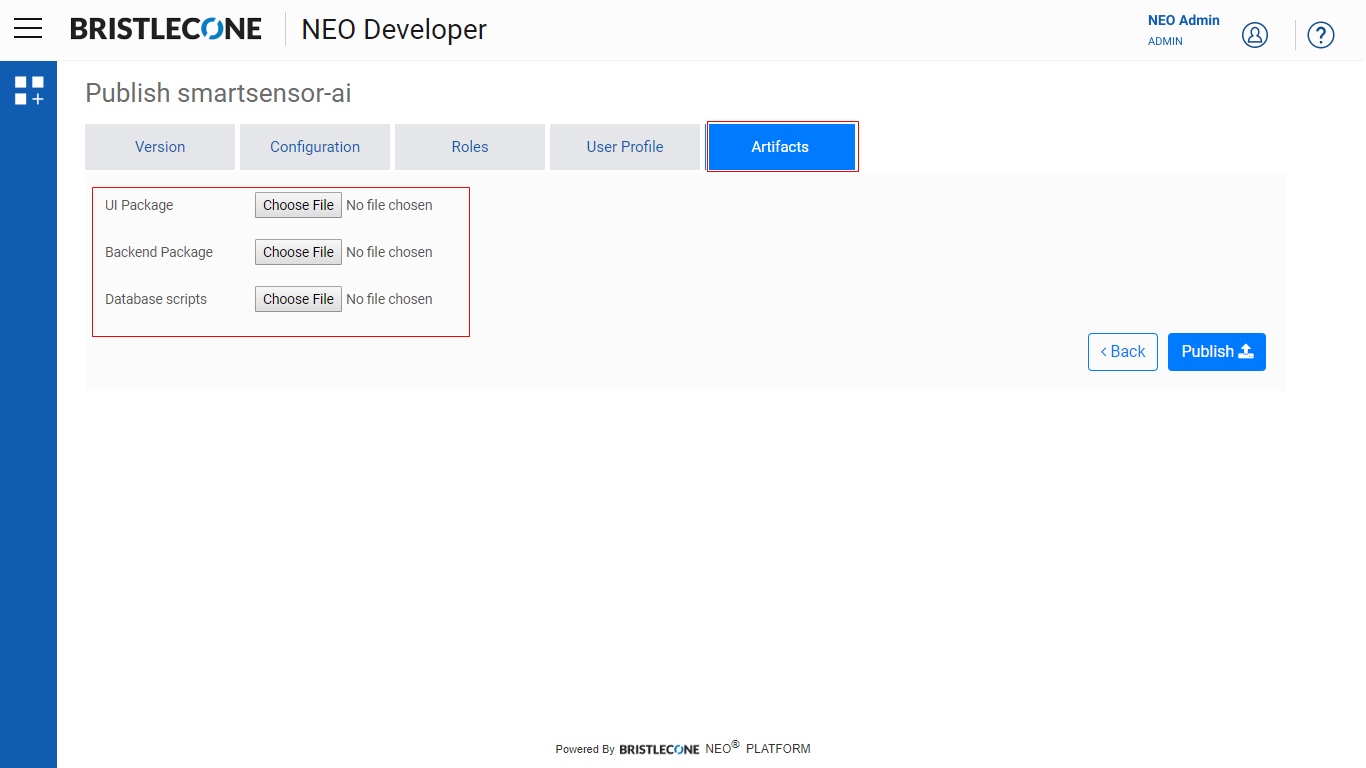
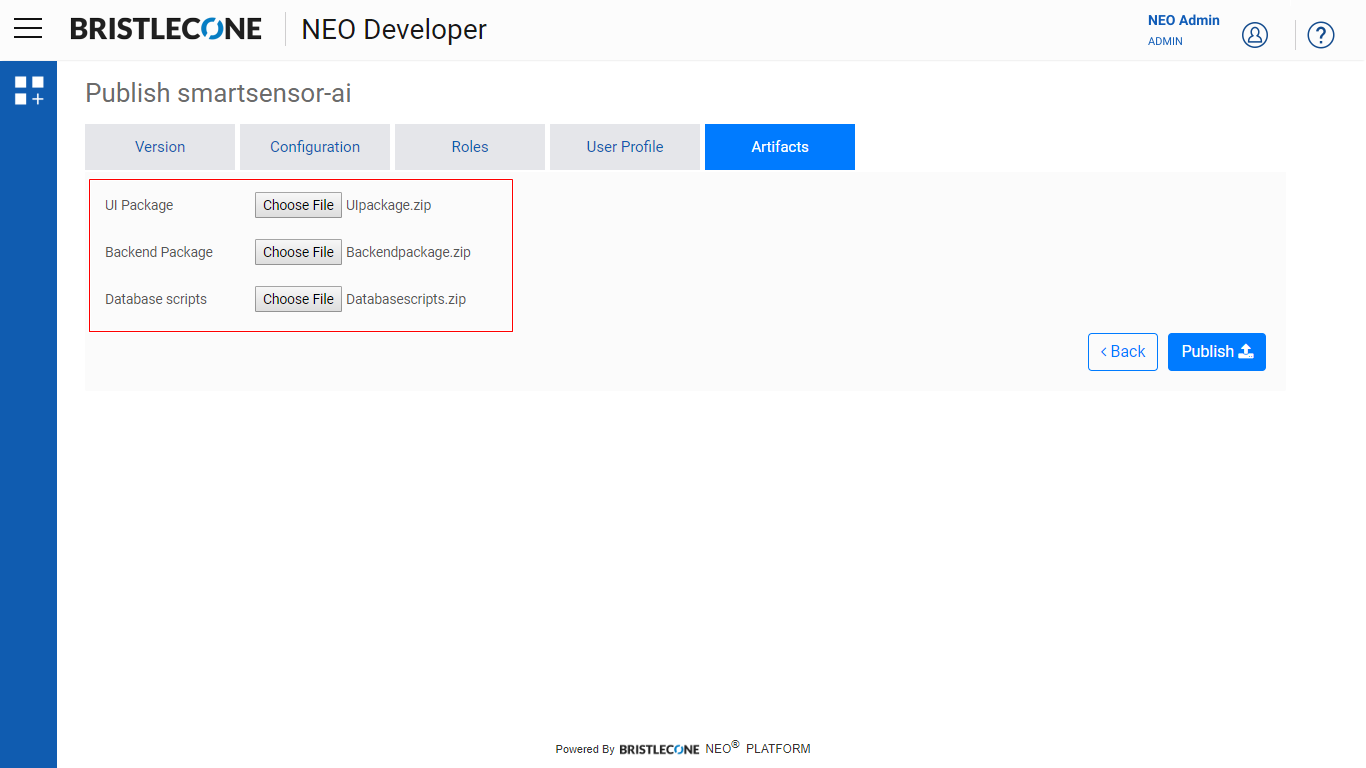
Select Artifacts
- UI Package
- Backend package
- Database Scripts
Choose the files to be uploaded (.zip format only)
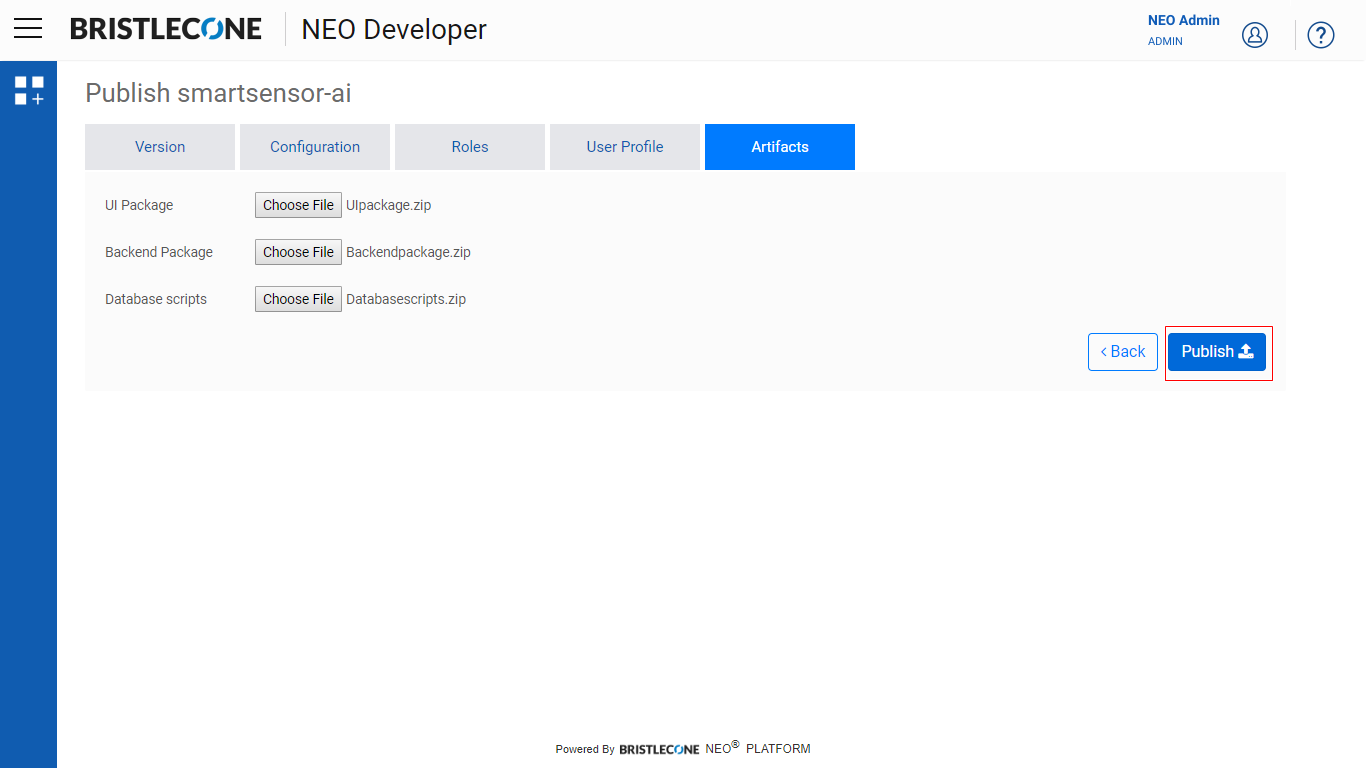
Click on Publish
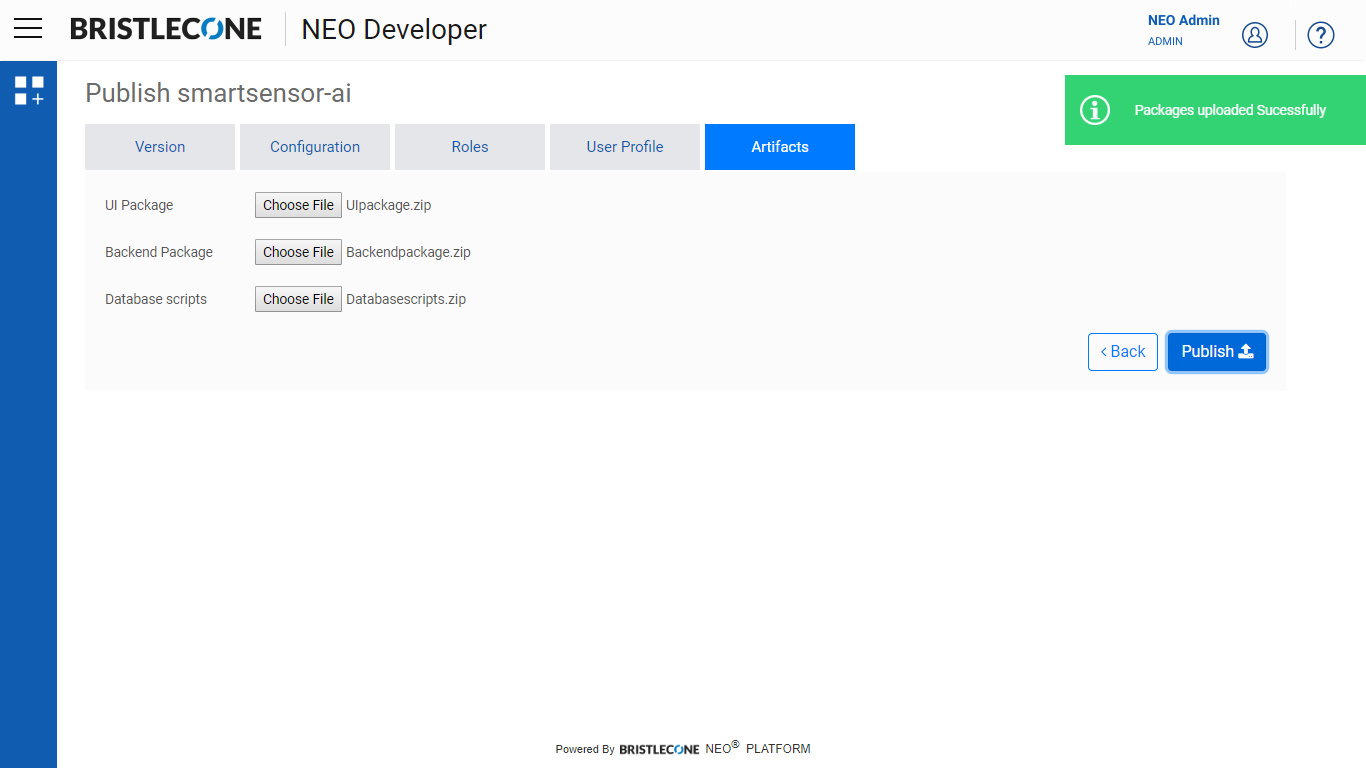
Post Publish, Provider Admin is notified as shown below
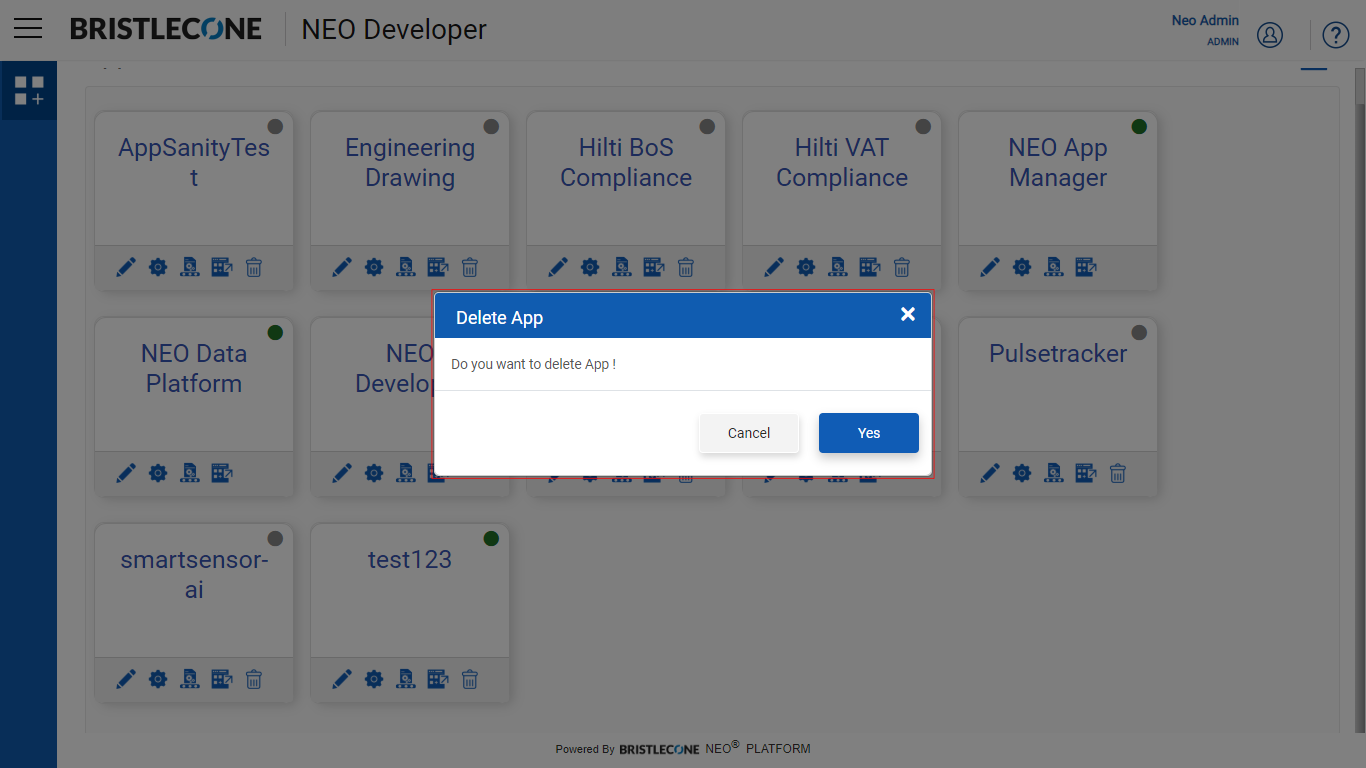
Delete App
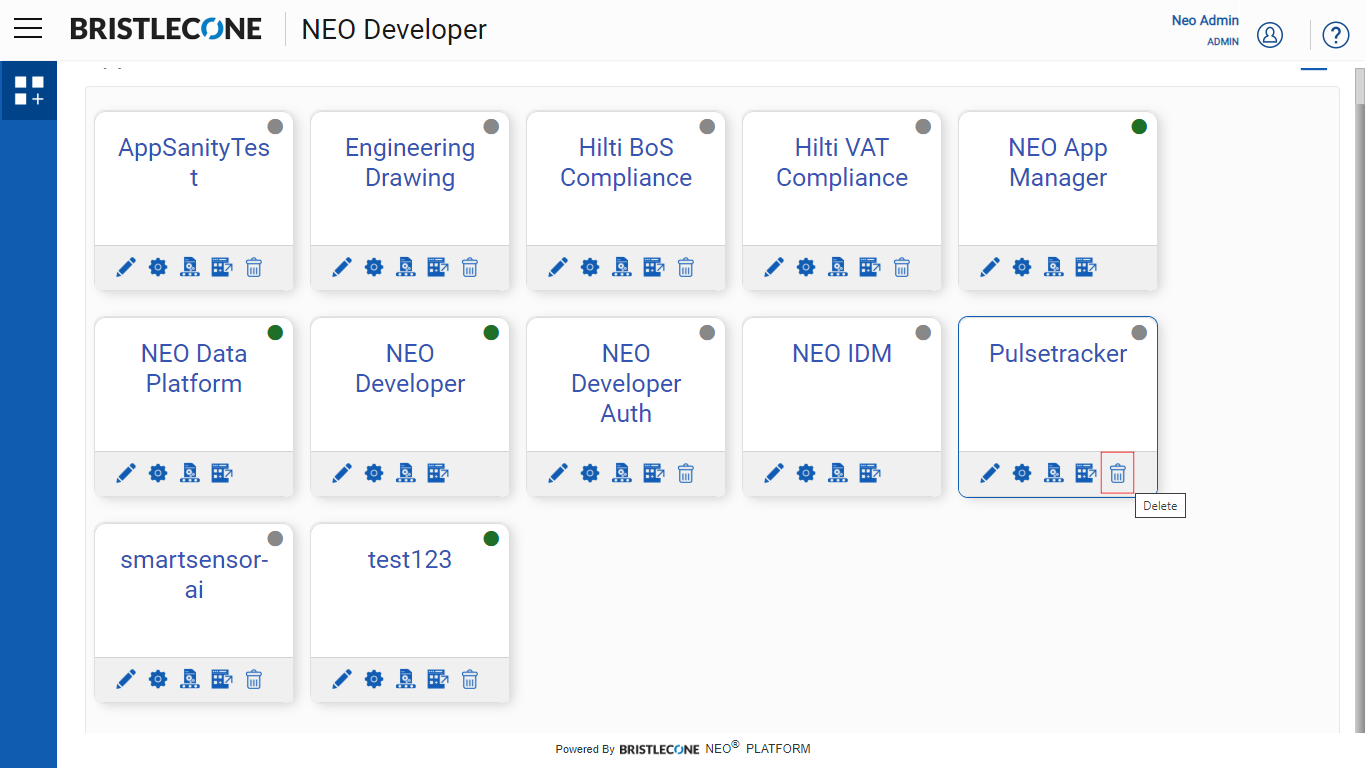
Provider Admin can delete an app as shown below
Logout
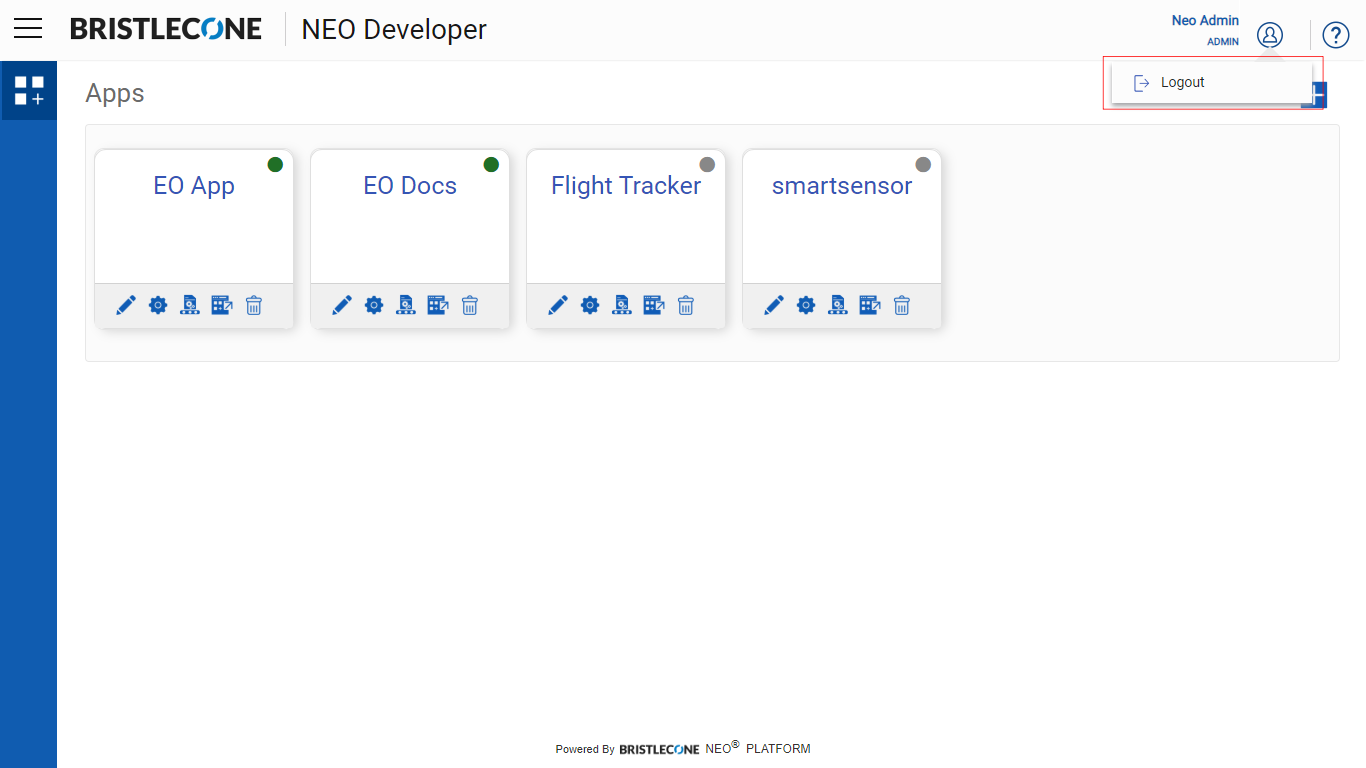
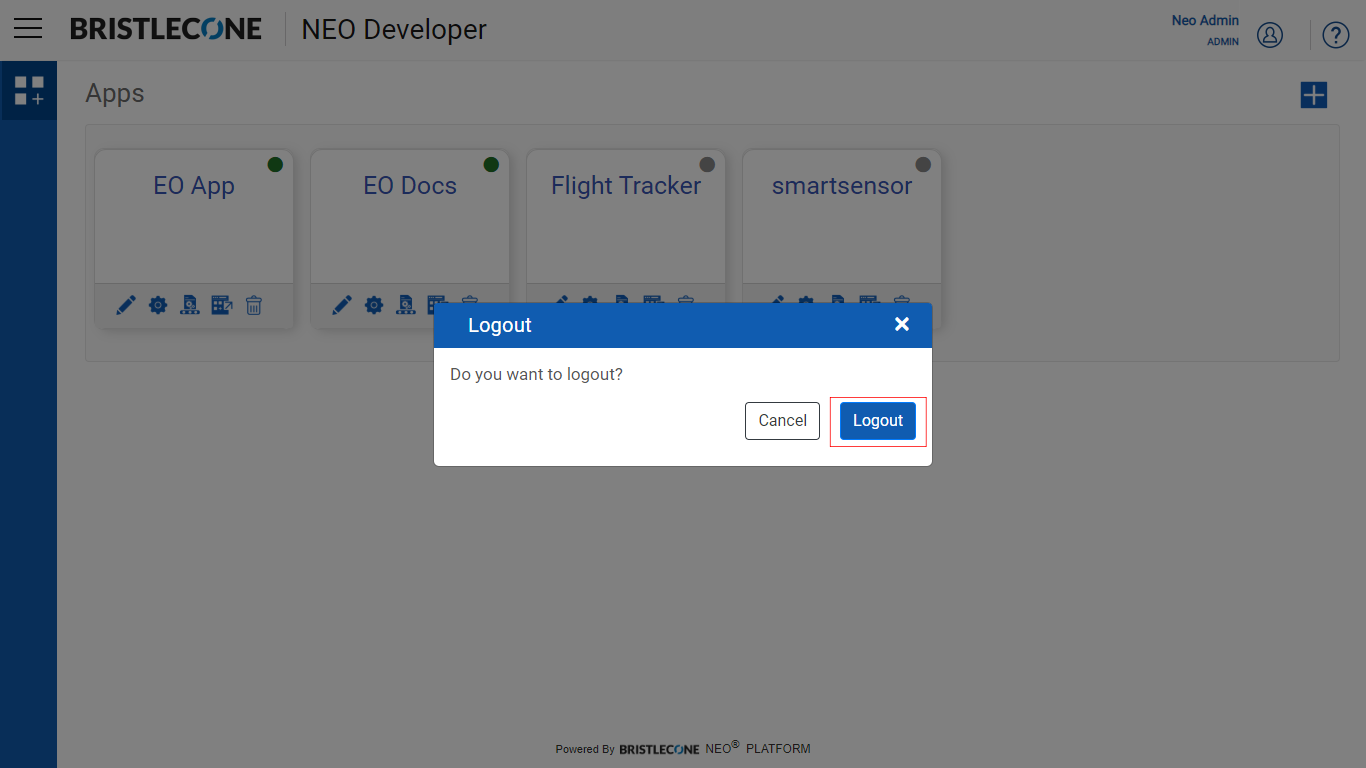
Click on Logout to signout from the account